

Calculate a first sheet count from the measured wall area and the selected model size. Then confirm usable coverage, pack quantity and order terms for that reference.
This workflow helps importers compare a project requirement with the supplier's selling unit. It does not replace a cutting layout or a confirmed packing specification. For your first quote, list one line for each model and sheet size.
Measure the wall area before selecting a count
Measure wall width and height separately, then subtract openings the approved layout will leave uncovered. Keep dimensions in metres and list separate wall sections when corners or openings change the cut plan.
Consider a wall measuring 4.2 m by 2.6 m. Deduct a 0.9 m by 2.1 m opening only when the layout leaves it uncovered.
The net area is 9.03 m² before trimming, alignment or other layout adjustments. Use this as a starting quantity, not a confirmed packing count. Ask the installer whether the pattern needs material around the opening.
Convert net area into nominal sheets
The sample book lists mosaic formats including 300 × 600 mm and 300 × 300 mm. The nominal rectangles equal 0.18 m² and 0.09 m² per sheet, respectively.
| Listed sheet size | Nominal area per sheet | Example count for 9.03 m² |
|---|---|---|
| 300 × 600 mm | 0.18 m² | 51 sheets |
| 300 × 300 mm | 0.09 m² | 101 sheets |
The example rounds each mathematical result up to a whole sheet. It does not include trimming, pattern alignment or supplier pack quantities.
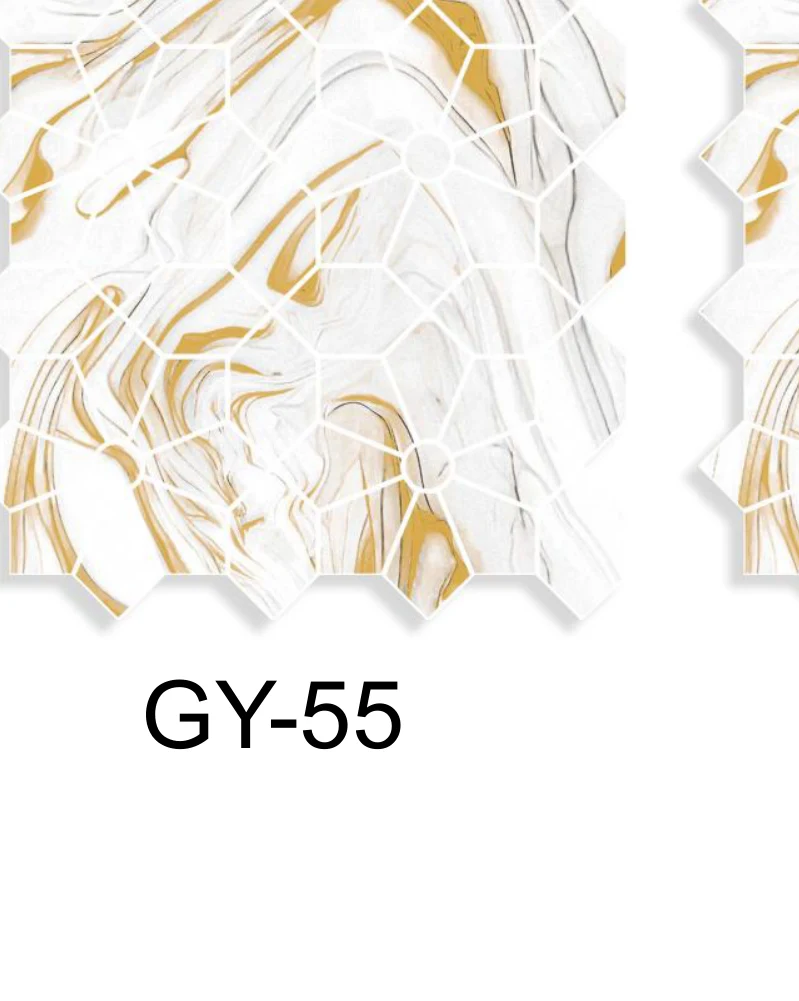
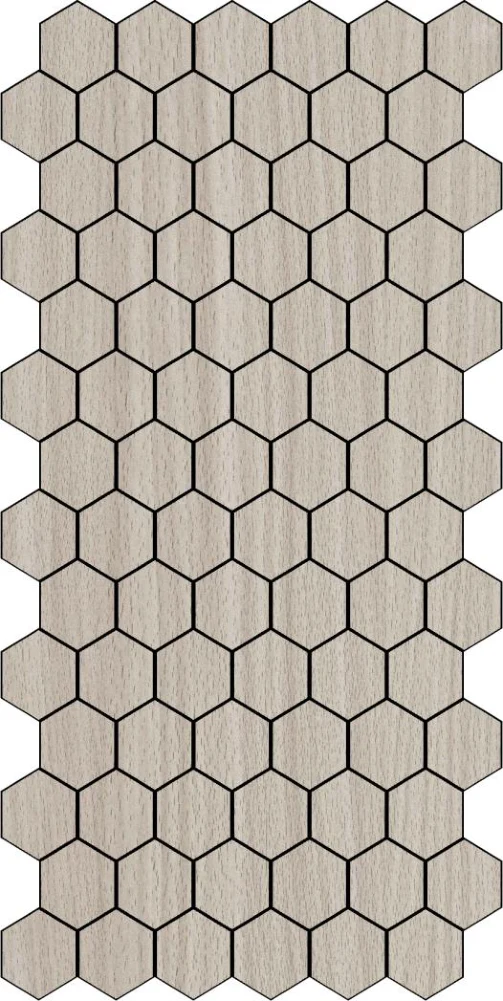
For example, the NW-73-1 300 × 600 mm reference belongs to the NW marble-look mosaic range. The GY-55 300 × 300 mm reference is a separate GY finish.

Review the layout before finalizing quantity
Nominal area does not prove that adjoining sheets cover a wall without adjustment. Check the pattern, edge margins, cut direction and visible joins with a physical sample layout.
Ask the installer which pieces can be reused after cutting. Keep any allowance tied to that layout rather than applying an unsupported percentage to every order.
The sample review guide explains how to record finish, substrate and seam observations. It helps your team keep appearance approval separate from the quantity calculation.
Match the count to the selling unit
A calculated sheet count is not a carton quantity or a minimum order. Ask the supplier to confirm pieces per pack, packs per carton, MOQ and mixed-finish rules for each model.
Keep the model reference beside its selected size and backing. Do not combine several finishes into one line unless the supplier confirms the order and packing arrangement.
Compare quotations using the same unit and destination. Our bulk wall sticker checklist covers the remaining quotation fields. For repeat purchases, use our wall covering reorder guide to compare the latest specification with your last order.
Prepare a quote request your supplier can answer
Send one line for each model and size. Include the project area, net measured area, destination and any installation layout questions.
- Model code and finish reference.
- Sheet size and backing requested.
- Net wall area and layout drawing, if available.
- Required quantity and destination.
- Sample and packaging requirements.
Send your wall sticker brief for a model-specific quotation review. Current coverage, packing and commercial terms require supplier confirmation.